Deploy the Entrust TSS
All steps below are performed in a dedicated Microsoft server.
Install the Entrust nShield HSM
Install the nShield Solo XC HSM as described in Install a PCIe HSM.
Install the Security World software
-
Install the Security World software. For detailed instructions see nShield Security World Software v13.6.11 Installation Guide.
-
Add the Security World utilities path to the system path. This path is typically
C:\Program Files\nCipher\nfast\bin. -
If using remote administration, open firewall port 9005 for the Entrust nShield Trusted Verification Device (TVD).
-
Open a command window and run the following utility to confirm the Security World installation. Notice the Server and HSM are operational.
For example:
>enquiry
Server:
 enquiry reply flags  none
 enquiry reply level  Six
 serial number        8D02-02E0-D947
 mode                 operational
 version              13.6.12
 ...
Module #1:
 enquiry reply flags  none
 enquiry reply level  Six
 serial number        8D02-02E0-D947
 mode                 operational
 version              12.72.4
 ...
Create a security world
-
Create your Security World if one does not already exist or copy an existing one. Follow your organization’s security policy when creating a Security World. For more information see Create a new Security World.
The administrator card set (ACS) cards cannot be duplicated after the Security World is created. You may want to create extras in case of a card failure or a lost card. In order to use an existing Security World, the Security World will need to have been created with the SEEDebugForAll feature enabled. For example:
>new-world -i -m <module_number> -Q <K/N> --mode=fips-140-2-level-3 --sp80056ar3 p dseeall
-
Confirm the Security World is Usable:
>nfkminfo
World
 generation  2
 state       0x3737000c Initialised Usable ...
 ...
Module #1
 generation 2
 state      0x2 Usable
 ...
Install the Time Stamp Option Pack software
-
Install Java Runtime Environment (32 bit) Oracle JRE v1.8 or later.
C:\Users\Administrator>java -version
java version "1.8.0_471"
Java(TM) SE Runtime Environment (build 1.8.0_471-b09)
Java HotSpot(TM) Client VM (build 25.471-b09, mixed mode, sharing)
-
Install the Time Stamp Option Pack software. For detailed instructions see TSOP v8.1.0 Install and User Guide.
-
Open the firewall ports described in section TCP/IP and UDP port access of the TSOP v8.1.0 Install and User Guide link above.
-
Enable the features as described in section Enabling features.
-
Configure the network as described in section Configuring the TSS on the network.
-
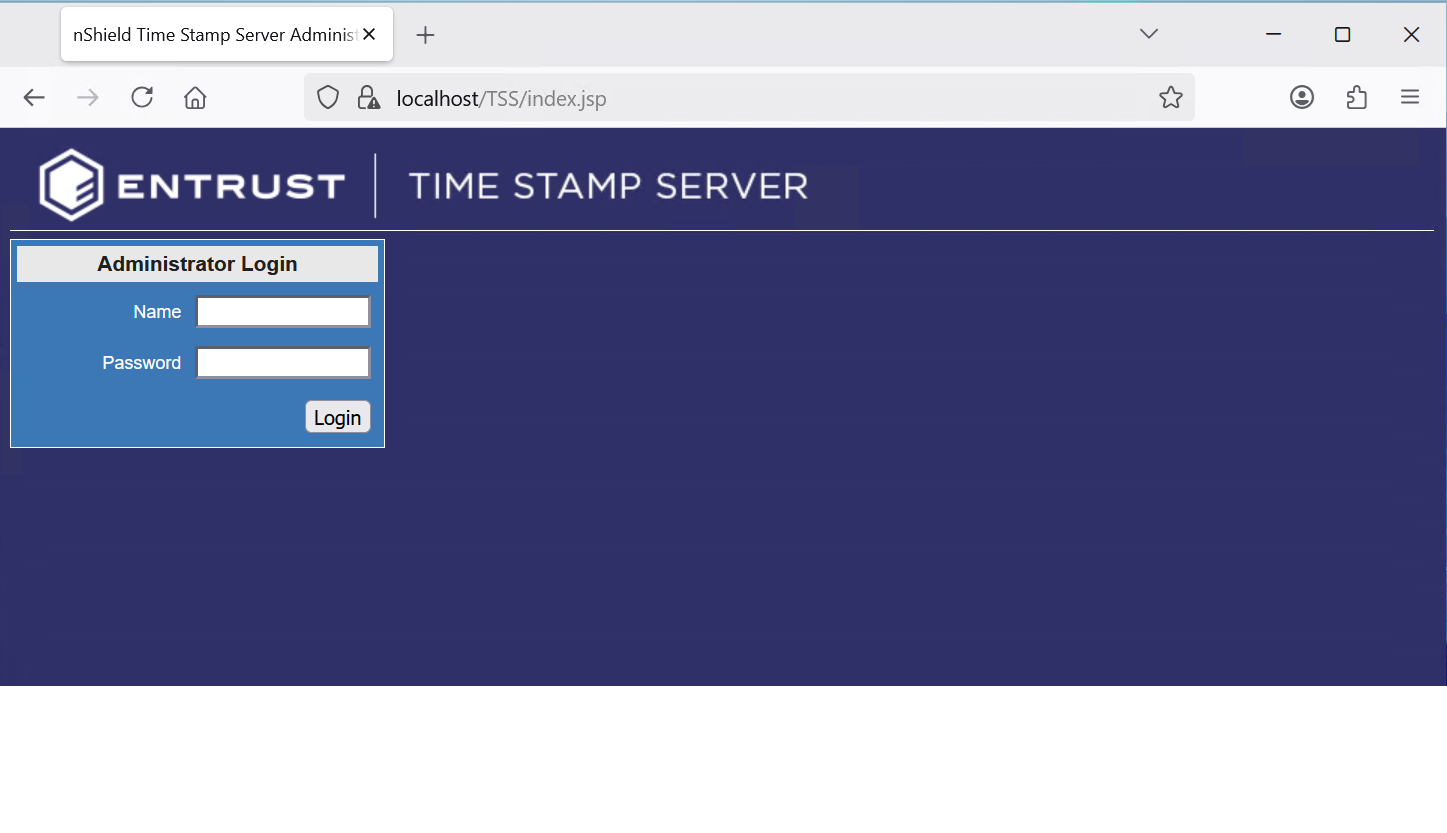
Test the connection to the TSS locally, and remotely from the Windows client. The credentials are listed in section Accessing the TSS web interface.
Install NTP
A Network Time Protocol (NTP) distribution or Time Stamp Master Clock (TSMC) is required to calibrate and audit the TSS. See section TSOP installation prerequisites of the TSOP v8.1.0 Install and User Guide link above.
For the purpose on this integration, the Meinberg NTP package was installed.