Configure the Entrust CSP Vault
Use the following procedure to create and configure a vault.
-
Sign in to the Entrust CSP Vault management web GUI.
-
Select the + Create Vault icon.
-
For Type, select Database from the drop-down menu.
-
Enter a vault name and description, an administrator name and email, and then select Create Vault.
For example:
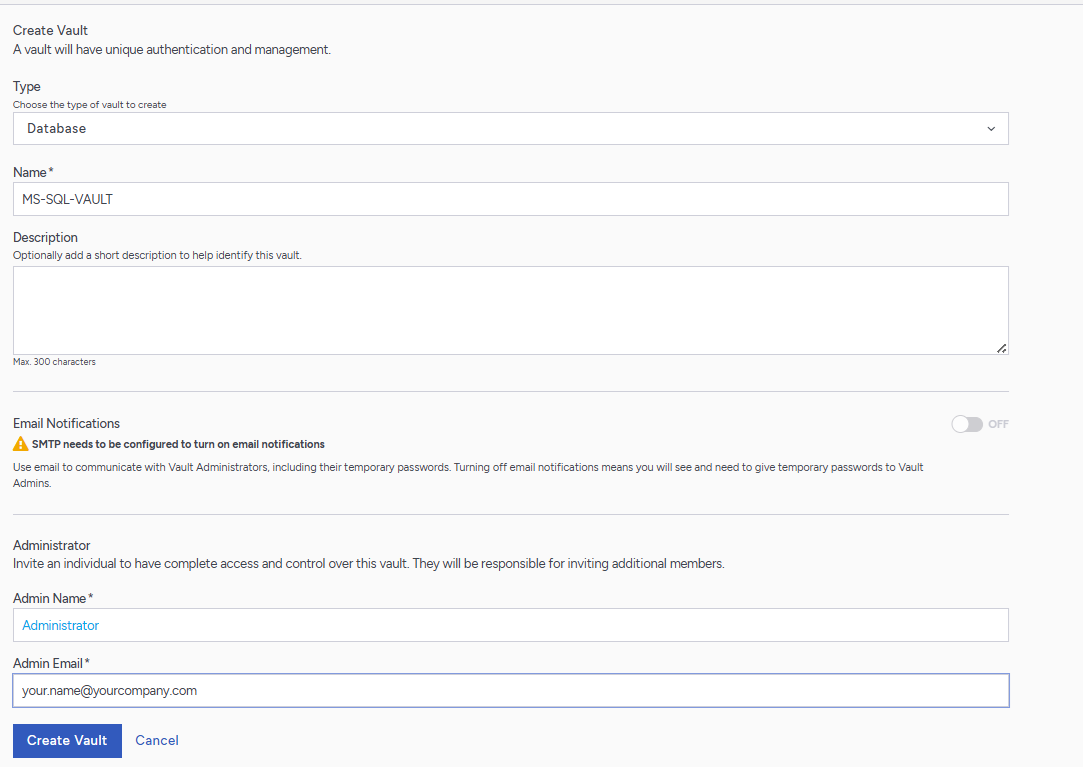
This creates the vault.
-
Copy and save the Vault URL and Temporary Password.
For example:
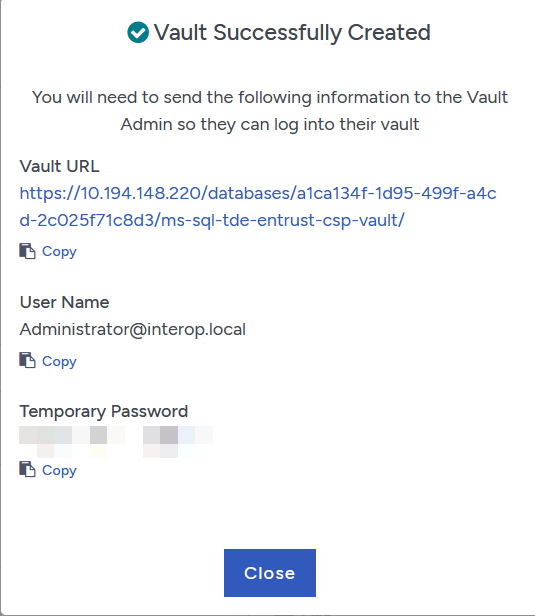
-
Bookmark the vault URL in the browser on the Microsoft SQL Server host.
-
Sign in to your vault for the first time with your temporary administrator credentials.
-
Enter the new administrator password, and then select Close.
-
Sign in again with your new password.
Connect the database vault to the Compliance Manager node
In production systems, Entrust recommends that you connect the vault to Compliance Manager, however you can complete the integration without doing so.
Set up the database vault as a data source in the Compliance Manager.
Data sources are organized into "collections" in the Cryptographic Security Platform Compliance Manager. Each collection can contain one or more data sources. All data sources are added to the default collection when they are first connected.
Data sources include the Discovery Source Vault and the entities that are being analyzed for compliance. These entities include CSP Vaults (CloudKeys, Secrets, KMIP, and others), File Encryption, and KeySafe 5. Data sources are not managed in the Compliance Manager; however, when a data source is connected, metadata about the cryptographic assets within that data source is synchronized with the Compliance Manager every 8 hours.
For more information about this process, refer to Collections and Data Sources.