Install and configure the Entrust Key Management Vault
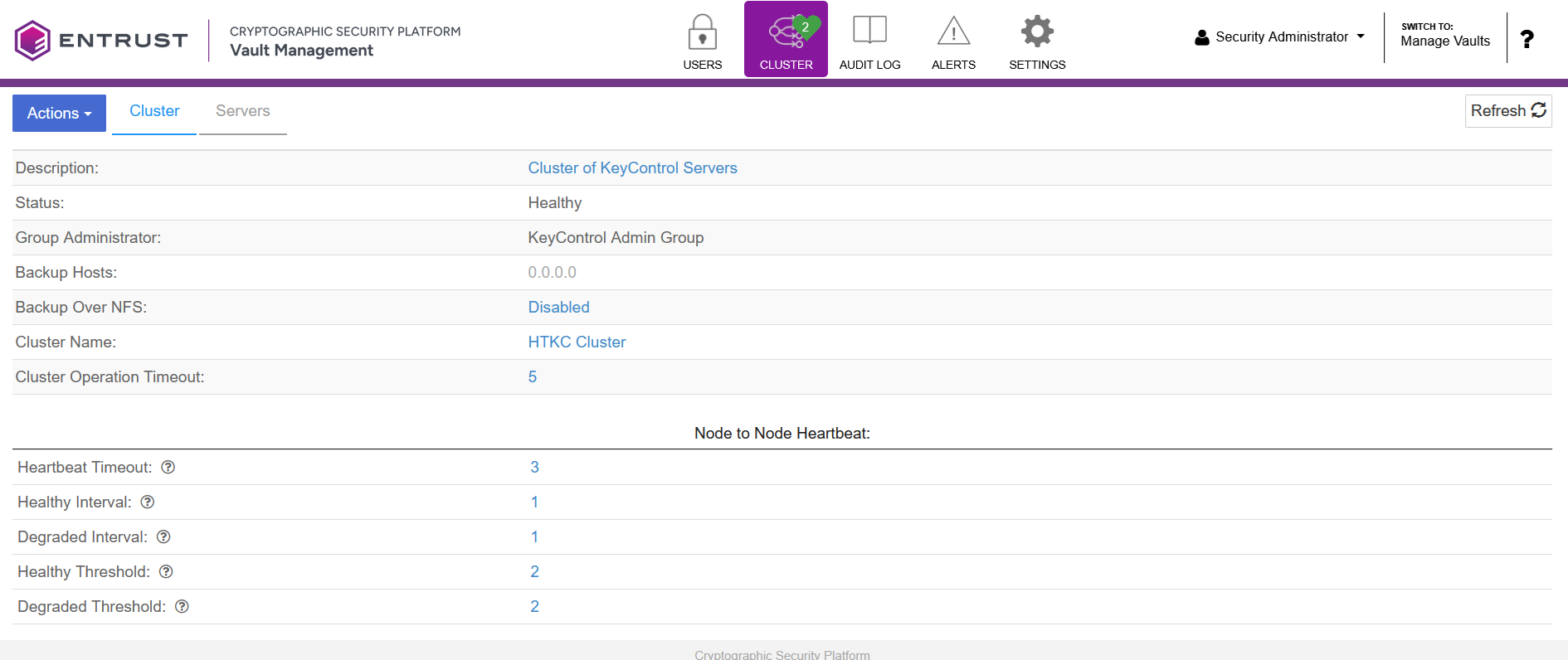
Deploy a Key Management Vault cluster
For this integration, Key Management Vault was deployed as a two-node vault cluster along with an Entrust Cryptographic Security Platform Compliance Manager (Compliance Manager) server. The vault cluster was configured in an active-active deployment and licensed with a 30-day trial license.
The Key Management Vault and Compliance Manager are software-based solutions available as either OVA or ISO images. Both components were deployed as virtual machines using the OVA images. For more details, see Installation Overview.
If you are using an HSM, see the Entrust Cryptographic Security Platform Key Management Vault: nShield® HSM Integration Guide for more information about integrating with the Entrust nShield HSM.
Create a vault for cloud keys in Key Management Vault
-
Sign in to Appliance Manger on the Key Management Vault server.
-
Select Create Vault.
The Create Vault dialog appears. -
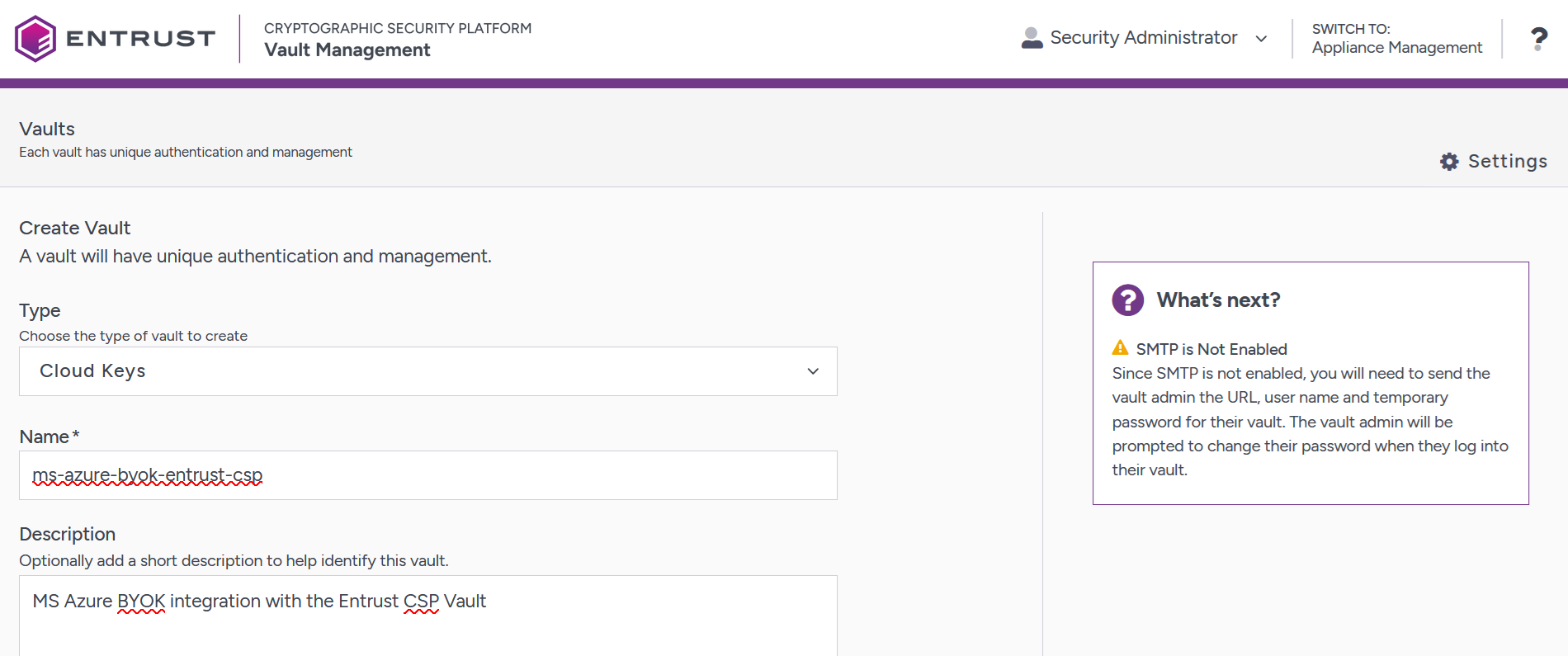
From the Type drop-down menu, select Cloud Keys and enter the required information, then select Create Vault.
For example:
-
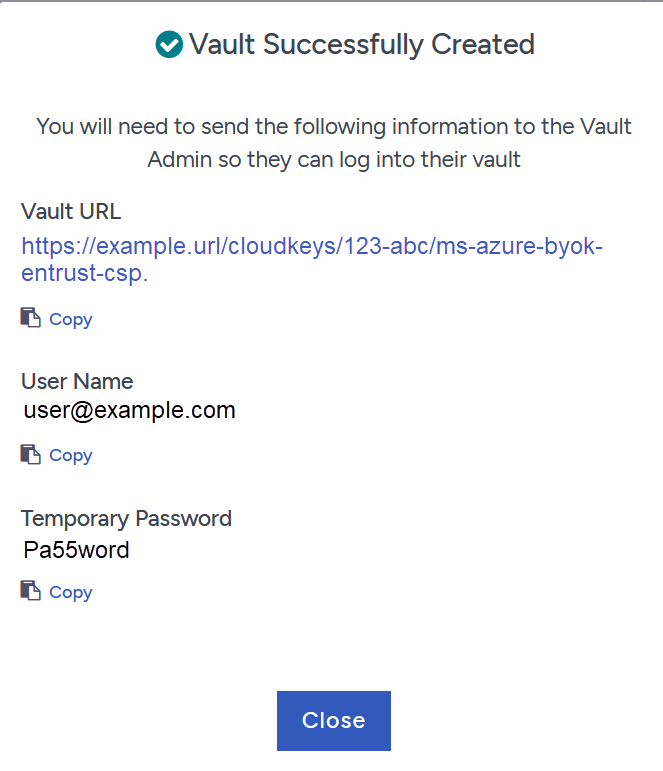
Bookmark the URL and save the credentials displayed in the Vault Successfully Created window, then select Close.
For example:
-
Sign in to the bookmarked URL.
Change the one-time password when prompted.