Test the integration
-
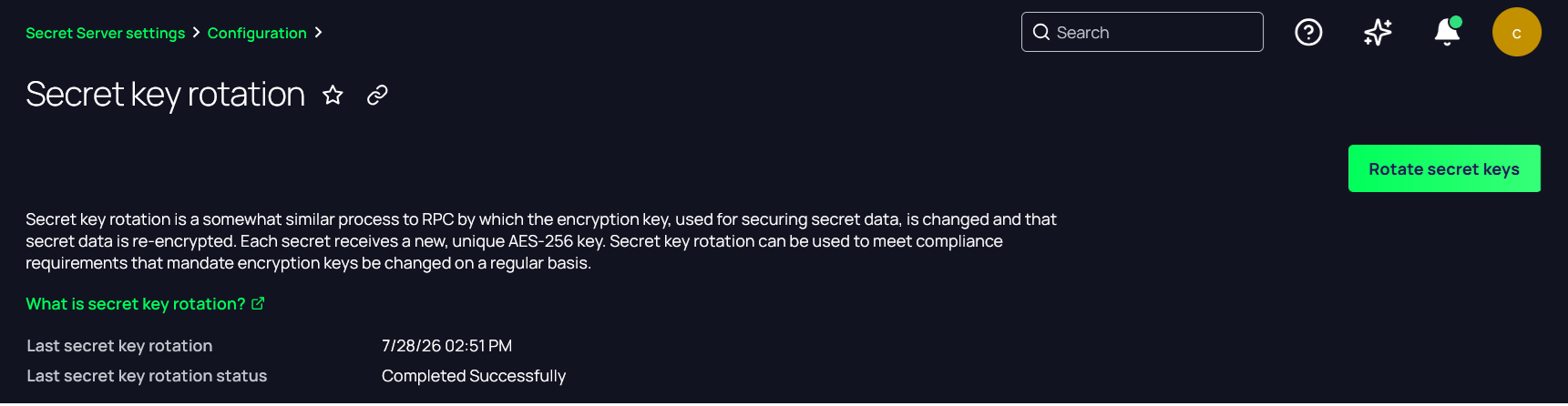
In the Delinea Platform, navigate to the Secret Key rotation window using an account with administrator privileges. The URL is https://<delinea-platform>/view/vault/admin/configuration/security-secret-key-rotation.
-
Note the last key rotation date and time. Then select Rotate secret keys.
-
In the Confirm window, select Continue.
-
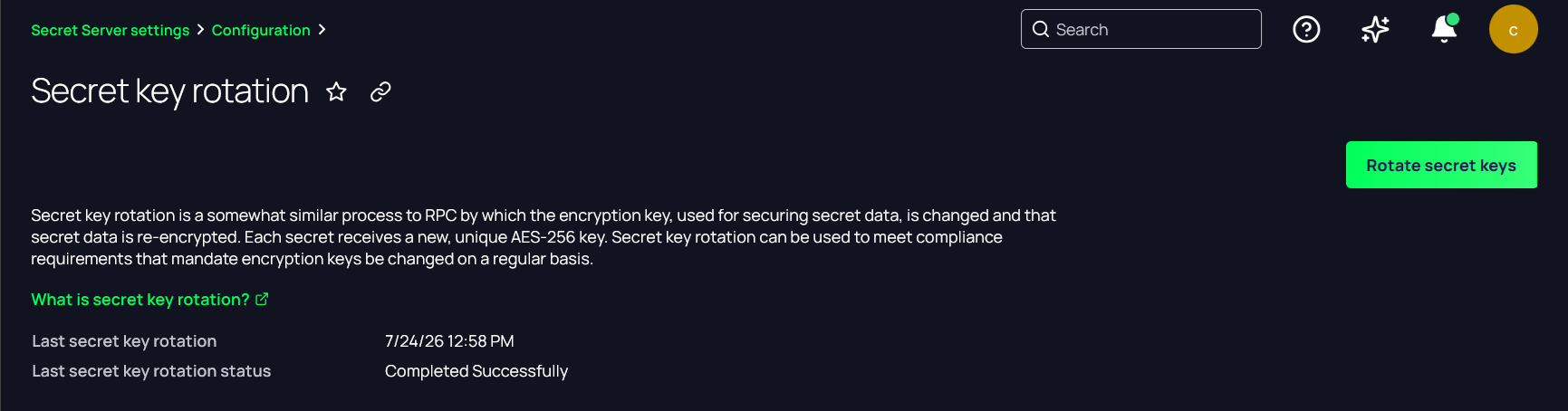
Verify that the Last secret key rotation date has been updated.