Integrate the Delinea Platform with the AWS KMS XKS
-
In the Delinea Platform, navigate to the Key Management configuration window using an account with administrator privileges. The URL is https://<delinea-platform>/view/vault/admin/key-management/config.
-
Select the Configuration tab, then select Edit.
-
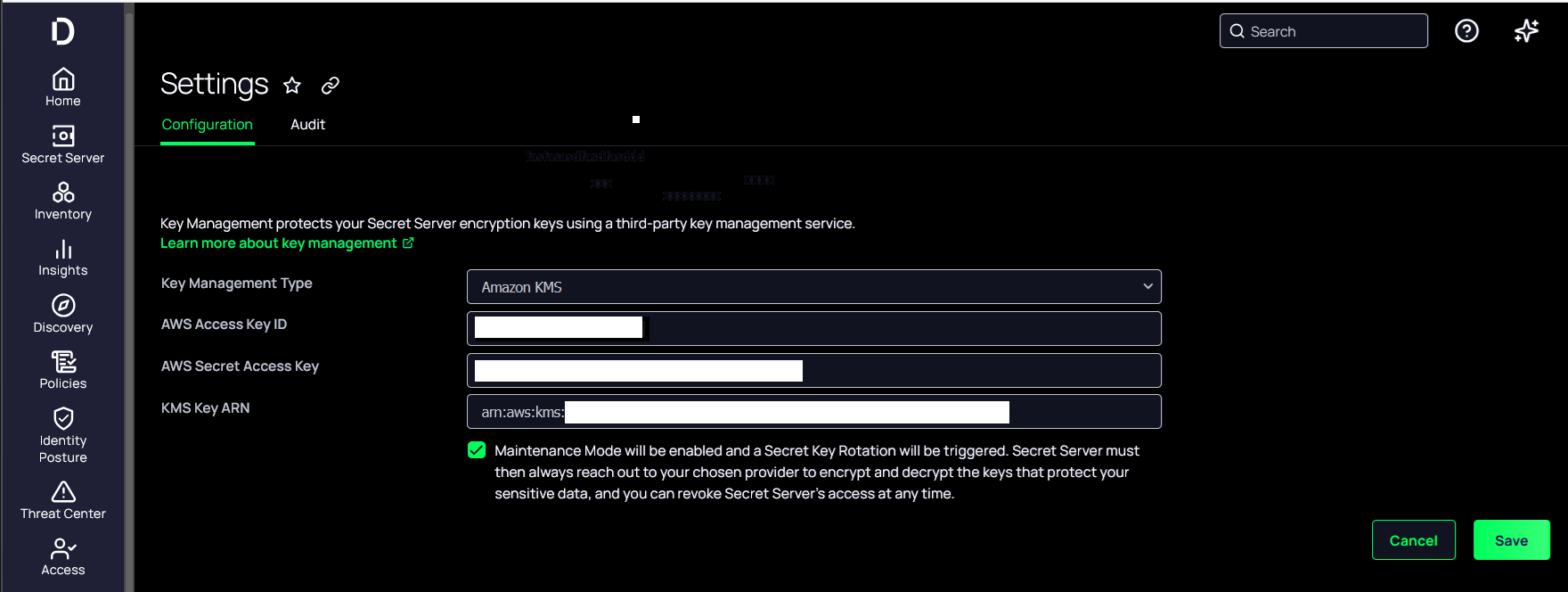
In the Key Management Type pull-down menu, select Amazon KMS.
-
Enter the AWS IAM user access key, secret access key, and the key ARN. Then select Save.
-
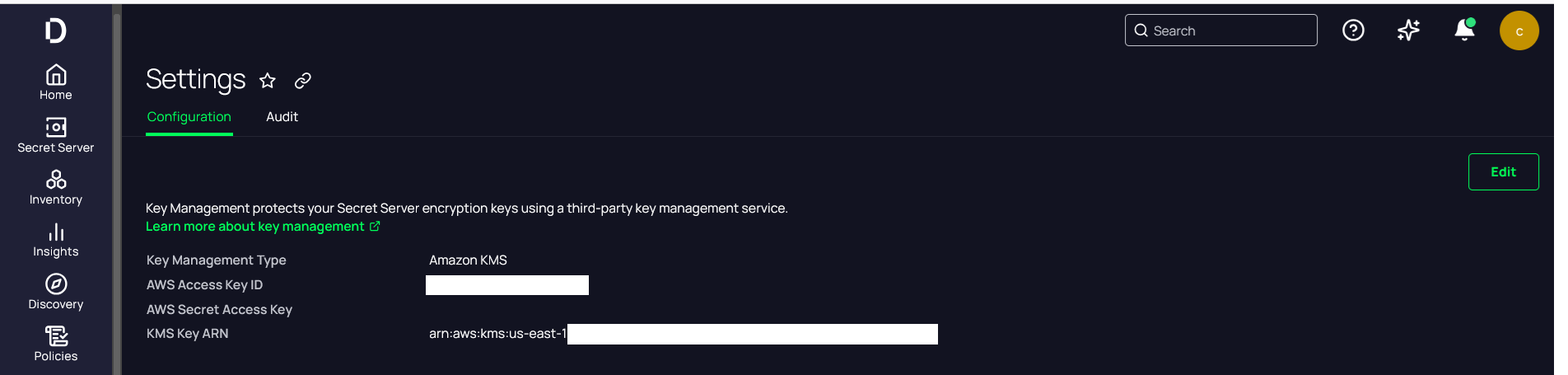
Verify that the configuration completed successfully.
-
Select the Audit tab, then hover over the note to view the AWS KMS key ARN.
This completes the integration of the Delinea Platform with an AWS XKS protected by the Entrust nShield HSM. Secrets created in the Delinea Platform will use AWS XKS encryption keys protected by the HSM.